

If you are a web developer used to React, Vue, or Next, WeChat Mini Programs can feel strange. There is a temptation to rebuild your usual stack on top of Weixin components.
Every time I audit a slow Mini Program, I see the same pattern. Too much JavaScript, too many custom abstractions, and almost no attention to the basic things that actually move load times from 4 seconds to under 1.5.
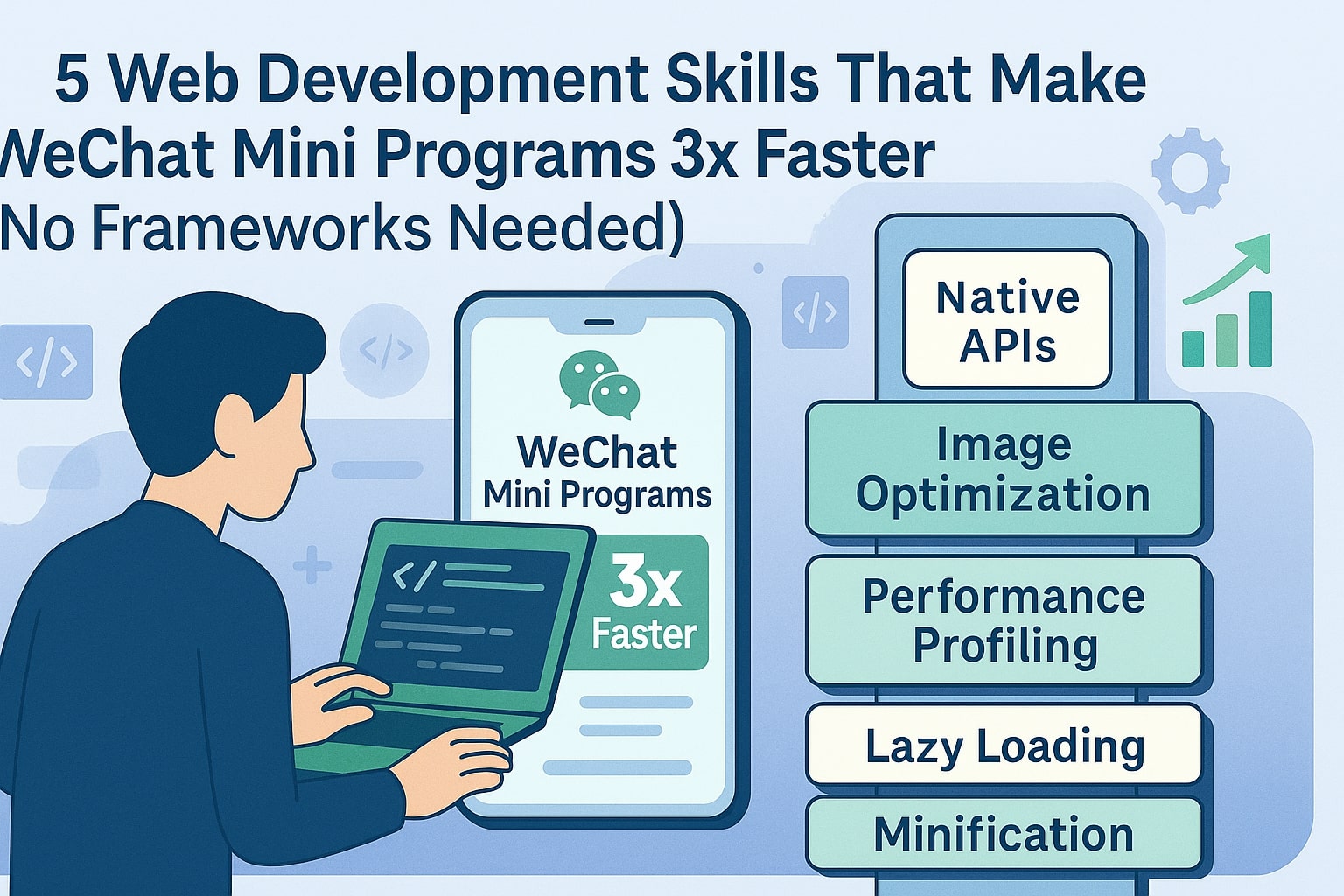
This article is about those basic things. Five skills that have very little glamour but consistently make Mini Programs up to three times faster. No extra frameworks needed, just better use of what WeChat already gives you.
In this article
Skill 1, Set a performance budget and enforce it
Fast projects start by deciding what slow is not allowed to mean. On WeChat, that means writing down numbers, not feelings.
- Cold start under 1.5 seconds on a mid range Android device.
- First interactive tap within 1 second after page show.
- JavaScript bundle on critical pages under 150 kilobytes.
- Images on a single page under 500 kilobytes total, compressed and responsive.
Once those numbers exist, you can make tradeoffs. When a designer wants full bleed video on the home page, you can say, that is fine, but we will then have to remove two other heavy elements or lazy load that video behind a tap.
How to enforce a simple budget in practice
- Keep a plain text performance section in your project README that lists your target numbers.
- Run bundle size checks before each release using the WeChat DevTools build report.
- Track cold start time on three devices, low, mid, and high end, instead of only on your flagship phone.
- Reject new features that break the budget unless they directly drive revenue and you have a plan to claw back speed elsewhere.
Skill 2, Design lightweight pages and split work
Most Mini Programs that feel slow are trying to do too much on the first page. Long lists, many tabs, large images, complex state, all thrown at the user in one go.
The skill here is to design for progressive discovery. Show only what is needed to make the next decision, then load the rest as the user moves forward.
- Break long pages into smaller, focused screens, for example Home, Category, Detail, Checkout.
- Use skeleton screens instead of spinners so the layout appears immediately and then fills in.
- Lazy load images below the fold using the
lazy-loadproperty on image components. - Use light list items with text and one thumbnail instead of complex cards during the first render.
When you think of each page as a small, cheap unit, performance becomes easier to reason about. You avoid the trap of building one universal page that tries to do everything at once.
Skill 3, Treat data and state as a performance feature
WeChat Mini Programs are very sensitive to the size and frequency of data updates. Every time you
call setData, you pay a cost to diff and update the view layer.
The boring but powerful skill is to handle state in a way that keeps those updates small and predictable.
Practical patterns for fast state
- Only send the fields that changed into
setData, never spread large objects again and again. - Normalize lists by id and only update single items when needed instead of replacing the entire array.
- Cache stable data like category lists in
wx.setStorageand load from cache first on cold start. - Throttle or debounce inputs and scroll events so you do not update on every pixel of movement.
Here is a simplified pattern that updates a single item in a list without re rendering the full list on every change.
// Update one item in a list without replacing the full array
updateItemStatus(id, status) {
  const list = this.data.orders
  const index = list.findIndex(item => item.id === id)
  if (index === -1) return

  const key = `orders[${index}].status`
  this.setData({ [key]: status })
}
It looks small, but patterns like this add up. They keep your UI responsive even when there are many items on screen.
Skill 4, Use WeChat native APIs instead of reinventing them
Web developers often arrive in the Weixin ecosystem with a mental model from browsers and SPA frameworks. They import polyfills and build their own wrappers around things that already exist as stable, fast native APIs.
On WeChat, less custom code is often faster code.
- Use
wx.requestfor network calls instead of shipping an entire HTTP library unless you really need it. - Use
wx.getStorageandwx.setStoragefor simple persistence instead of abstract storage layers. - Use built in page navigation methods instead of re creating your own router.
- Use official components for form controls and pickers instead of heavy custom widgets.
This keeps your bundle small, reduces bugs, and means you get the benefit of performance improvements from the WeChat team over time.
Example, simple offline first fetch with native APIs
// Fetch menu data with cache first, then network
function loadMenu(cb) {
  wx.getStorage({
    key: 'menu',
    success(res) {
      cb(res.data, { fromCache: true })
    },
    complete() {
      wx.request({
        url: MENU_ENDPOINT,
        success(res) {
          cb(res.data, { fromCache: false })
          wx.setStorage({ key: 'menu', data: res.data })
        }
      })
    }
  })
}
No extra library, no complex state tool, just the platform features you already have.
Skill 5, Use the DevTools profiler every single week
The last skill is not about code. It is about how often you look at what your code is actually doing.
The WeChat DevTools come with a performance panel, network waterfall, and a way to simulate devices and network conditions. Most teams only open these when something is clearly broken. The faster teams use them every week, even when things feel fine to the naked eye.
- Record a cold start profile once a week and compare to the previous release.
- Look for blocking scripts in the network tab and see if they can be split or delayed.
- Check the timeline for long tasks that block interaction and refactor them into smaller steps.
- Test on a low end device profile and 3G like network conditions, not just on Wi Fi.
The goal is to catch regressions early, before users feel them. You build a habit of watching performance as a product feature, not a one time optimization sprint.
Bringing it together
None of these skills are unique to WeChat. You could apply them to any web project. But inside the Mini Program sandbox, they matter even more, because users can switch to a competitor with one swipe.
When you work with clear performance budgets, small pages, careful state, native APIs, and regular profiling, you quietly end up in the top percent of Mini Programs in your category. Your product feels simple and instant, even if the logic behind it is complex.
Want your Mini Program to feel instant, not heavy
I help brands and agencies turn slow, template based Mini Programs into fast, focused products that match how people really use WeChat in China.
We can start with a simple performance audit, then build a realistic roadmap that your team can ship in weeks, not in some distant future release.
Start a performance project